

RPGM Lily of the Valley

 Patreon
❤️ Like this game? Support the developer through the links above. Free RPGM games keep going when players give back: every contribution funds more updates, more scenes, the next release.




 GOFILE
 MEGA
MEGA MIXDROP
 PIXELDRAIN
 UPLOADHAVEN
 ANDROID
 WORKUPLOAD
 NOPY
NOPYPassword for Gallery Room: 8652 (v1.4)
Notice for the Lily of the Valley dev: every link on this page should point to the free public build of the game. If something here is anything else, email us at contact [at] rpgmporngames.com and the page will be edited or removed right away.
Copyright and Terms
If you are the developer of Lily of the Valley and want the page removed or fixed, email us at contact [at] rpgmporngames.com with proof you are the dev and tell us what you want changed. We are not here to fight you, we will edit or remove the page, no questions asked.
For visitors: every download link points straight to the original host file. Nothing is added, modified or injected by us along the way.
About this game
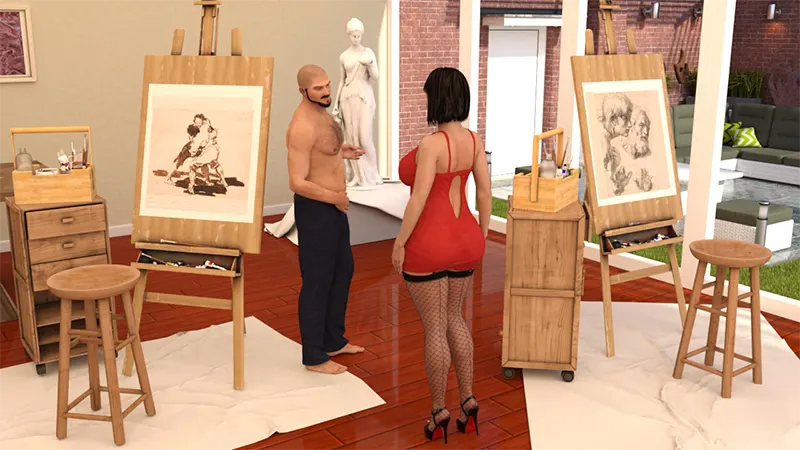
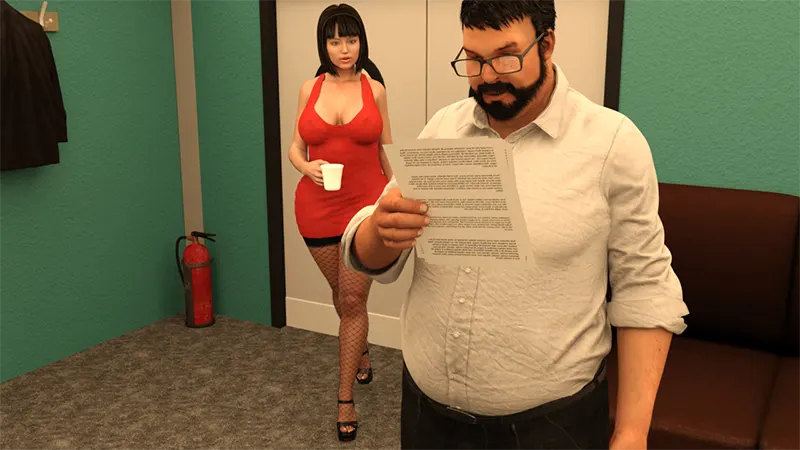
Lily of the Valley depicts the life of a recently married couple. You play Lily and make the decisions that steer her life, built by longtime RPG Maker players who set out to do the married-life arc properly. Lily of the Valley is a slow-burn corruption-and-NTR RPGM porn game. The RPG Maker loop is the daily-life sandbox where each decision nudges Lily's path, female-protagonist-first, with the corruption and NTR routes building gradually. P and P build it with a real RPG structure and a polished, complete sandbox, which is exactly the bar this directory enforces. 3DCG art, animated scenes, deep tag list spanning cheating, corruption, mind control, netorare and voyeurism. A reference-tier RPGM porn game for the slow-burn married-life corruption audience.
Installation
Mac & Linux users
- Create a copy (in case there are issues).
- Download latest PC version.
- Open it and copy all folders/files in the www folder except the js folder.
- Right click and show package contents on the Mac copy.
- Paste the www content into the resources/app.nw folder and overwrite. Presto - working Mac version. The key to getting saves working properly is NOT copying the js folder mentioned in step 4. I've been doing this for each new update for the last two or three times and everything is working just great. (Thank you The GIT! for your Mac instruction!) For Linux Users: - Download the latest PC Version
- Download RPG MV Linux Launcher (thank you johnelros for the link!)
- Replace all the files from the Win version with the Linux Launcher files (you can delete the other files, but it isn't necessary).
- Copy and paste your old save folder to the game's www folder.
- Have fun playing Lily of the Valley.
Changelog
Similar games
 Chapter 10a
 v3.95
v3.95
 v0.93 Public
 Chapter 2 v0.4 + Xmas Special 2025
 v0.2.2
 v3.3.1 Fix 2
 v0.6.0
 v0.6.2.0b